In short
- The question
- A large Moodle learning platform needed proven requirements, a new theme in the Commission's house style and a way for people to find courses.
- Approach
- I examined what Moodle can already do, worked out every requirement in a working prototype and handed it over to the development team.
- Delivered
- An extended ECL for a learning platform, theme plugins for Moodle 4.5 and Moodle 5, a searchable catalogue and a practical Moodle 5 guide.
The context
The European Commission runs a large-scale Moodle learning platform for people across the EU. I have worked on it since 2023, always on the side of the Joint Research Centre (JRC): from the JRC and the business, I prepared the work and carried it over to the development team at DG DIGIT. I did so in two assignments: from 2023 to 2025 as a technical product analyst (contracted via iO), and from 2025 to 2027 contracted via NRB / Trasys International, now Keyes.
In both assignments I worked the same way: I work out every requirement in a working prototype, so it is proven to work before it goes to the development team.
First, what Moodle can already do
In both assignments I also did a great deal of business analysis. It is tempting to come up with a feature and have it built straight away. But what can Moodle already do by itself? How would that feature be built in Moodle? And is it wise to build it at all? Those questions were rarely examined thoroughly. I did a lot of research around them, and documented and presented the findings. Two examples: how do you set up several organisations on one Moodle site (multi-tenancy), and how do you make Moodle fully multilingual, both without custom development? Earlier custom solutions for each had introduced quite a few bugs, and I wanted to help avoid that.
Trying it out before it is built
We wanted the website, the courses and the presentation materials to fit together better. So in the first assignment I made a complete design system in Figma for all of those channels, and a functional prototype in PHP, at the time outside Moodle. The design tokens from Figma synced automatically to the prototype. In it, we could work out new features and test them with stakeholders before they were built.
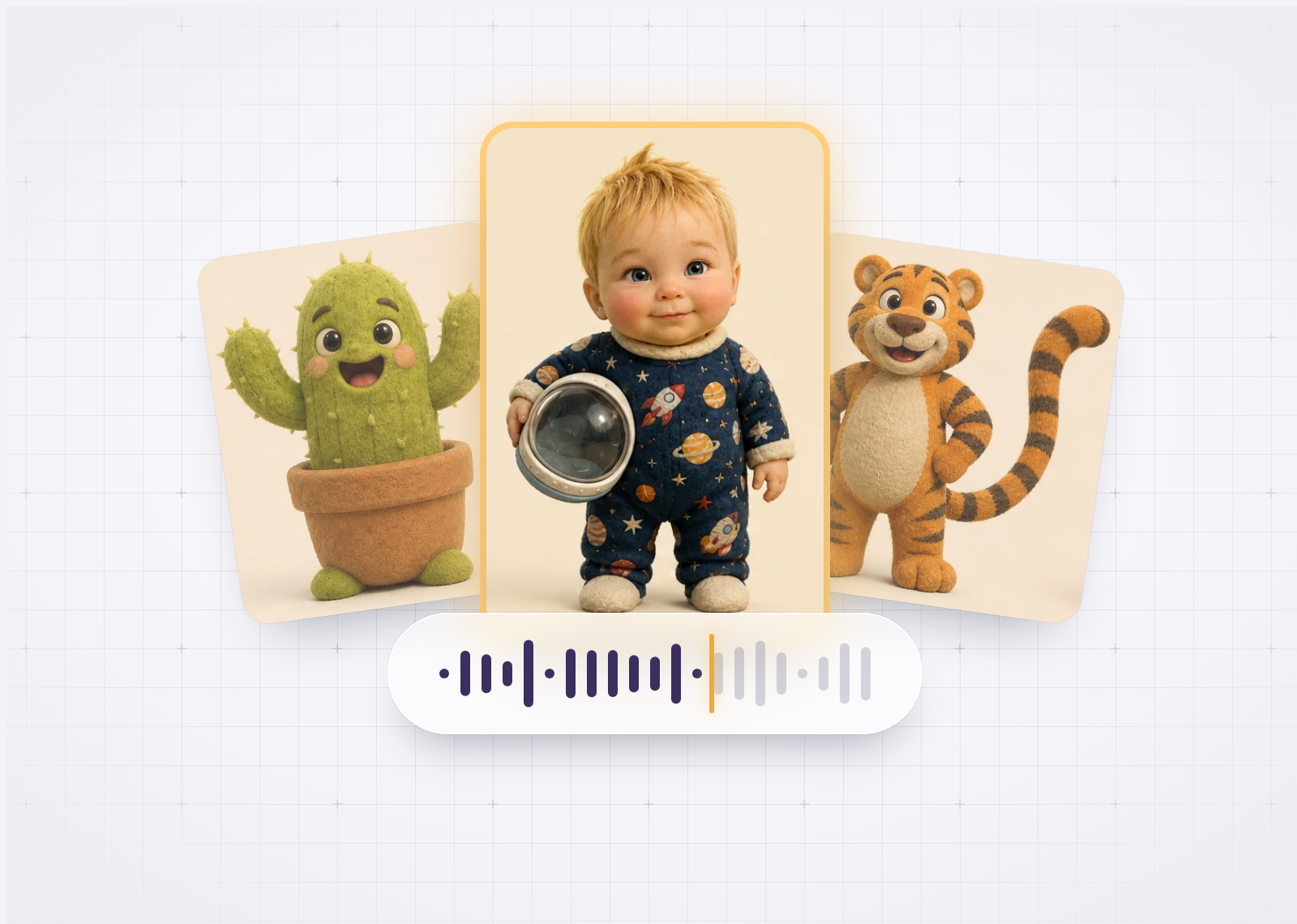
In short, the first assignment also included the following. For the ServiceNow integration, I proposed thorough improvements to the user experience, in a clickable Figma prototype. Meanwhile, AI was drawing more and more attention from the general public, and I worked out use cases the platform could implement: a semantic search based on retrieval-augmented generation (RAG), and text-to-speech and speech-to-text. The platform itself, built before I joined, had scored poorly in an external accessibility audit. I analysed the findings against WCAG 2.1 AA and described per component and page what had to change. Alongside that came the usual work in a Scrum team: documentation, Jira tickets and user acceptance tests (UAT).
An upgrade as the starting point
The second assignment started with an upgrade. The platform ran on Moodle 3.11, with a theme that did not follow the EU house style and that Moodle 4.5, the version the platform was moving to, no longer supported. A new theme was needed, and that became the chance to integrate the Europa Component Library (ECL), the Commission’s design system, so that the platform would join the visual family of EU websites. The challenge was to bring ECL into Moodle without tinkering with either, so that both Moodle and ECL can keep following their own new releases.
The assignment ran in two phases. At first, the focus was ECL in Moodle 4.5 and a new way to find courses. In 2026, it moved to Moodle 5 and to making what the platform had learned over the years reusable by other organisations.
ECL, extended for a learning platform
ECL is a fine set of base components, but a learning platform needs more: course cards, filters, progress, enrolment, learning objectives. So I added a great deal, built on ECL’s design tokens: an extended ECL, so that the whole interface of the learning platform has the ECL look.
The theme, on ECL v5, renders the official ECL components natively and builds on them following atomic design: from small components to larger ones, to sections and to complete pages. A living design-system page documents every component with examples, and an upgrade path absorbs new ECL releases.
I set the whole up as a real Moodle theme plugin, proven to run well both locally and on DG DIGIT’s experimental environment. That gave every stakeholder a working prototype that really ran on Moodle. Because it builds on accessible ECL components, accessibility is part of it from the start. The prototype itself was available in all the official EU languages, so we could see how every component handles labels of very different lengths.
In the second phase, I built the theme for Moodle 5, again on ECL v5. ECL’s own templates are used unmodified, so a new ECL release is a version update. It covers every Moodle page layout.
Course discovery
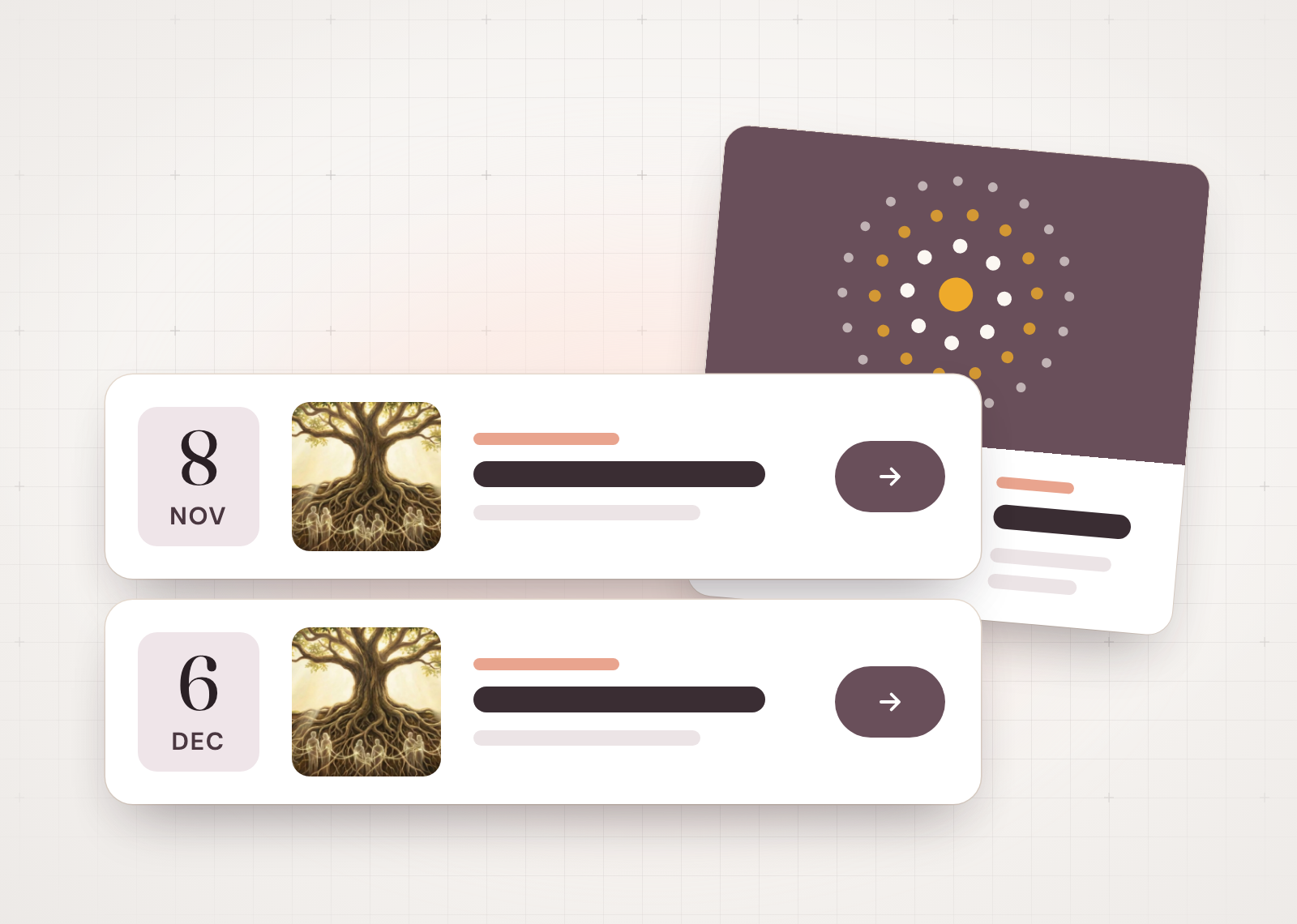
Anyone looking for a course on Coursera or LinkedIn Learning can search, filter and browse. Moodle does not do that by itself: it is built to deliver courses, not to help people discover them. Making a catalogue searchable takes real work. I specified and built two ways to a course, with input from the product team and business stakeholders: search, with filters on subject, publisher, tags, duration and language among others, and browsing through the catalogue’s subjects. Filtering happens in place, with visible active filters and a course preview.
Pages Moodle does not have
Organisations that publish courses on the platform, such as directorates-general and agencies, get little or nothing from standard Moodle: their courses sit in a folder. I made landing pages for them in their own house style, with their mission, themes, learning paths, events and their own courses to search. One layout, and each publisher its own colour.
Standard Moodle also lacks a marketing layer: a front page that invites people in, key figures, testimonials, a page about the platform and a call to publish on it. I made the components, sections and pages for that too.
A Moodle 5 guide, proven on a real server
Installation guides are easy to find. What is hard to find is a record of which choices a large installation made over several years, and why. So I wrote a practical guide to setting up and running a Moodle 5 site, for organisations without a permanent technical team. It comes from one source in four forms: a slide deck, reference documents, a Moodle course and a live demonstration site in many languages. Every procedure in it was carried out and proven on a real server.
Working with AI agents
The second assignment coincided with the rise of agentic coding: AI agents that write, run and test code on their own. I made full use of them, for the prototypes and for the guide with its proven procedures. Working fluently with such agents is becoming an important skill: scoping the task well, giving the right context and checking the result.